
The “Share Wishlist with Admin” feature in Wishlist Guru allows customers to easily share their wishlist directly with the store admin. This helps you understand customer preferences, respond to inquiries faster, and create more personalized marketing strategies.
Follow the steps below to enable and configure this feature.
To access this feature, please follow these steps: #
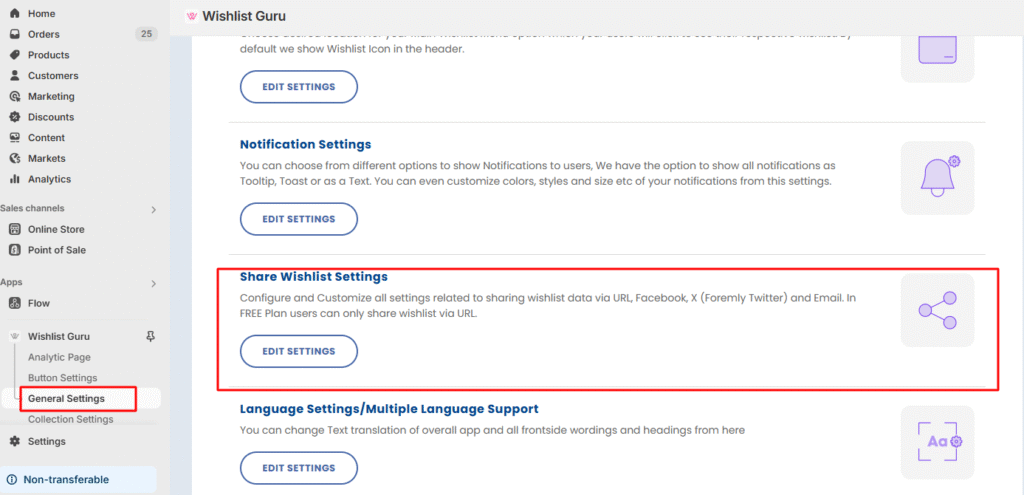
Step 1 : Go to General settings
Step 2 : Go to Share Wishlist settings> Click on edit settings
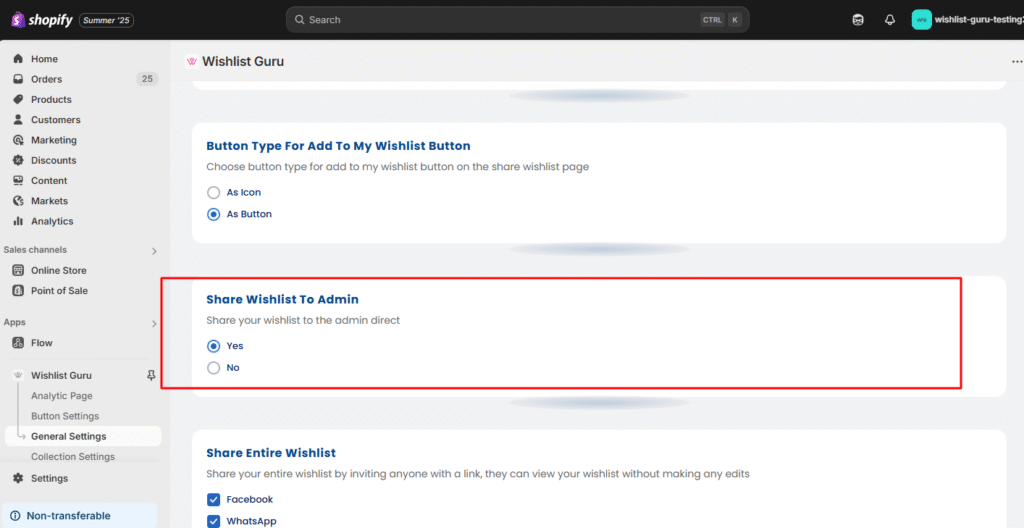
Step 3 : You will see the Share Wishlist to Admin settings. If you want to access this feature, click on YES.
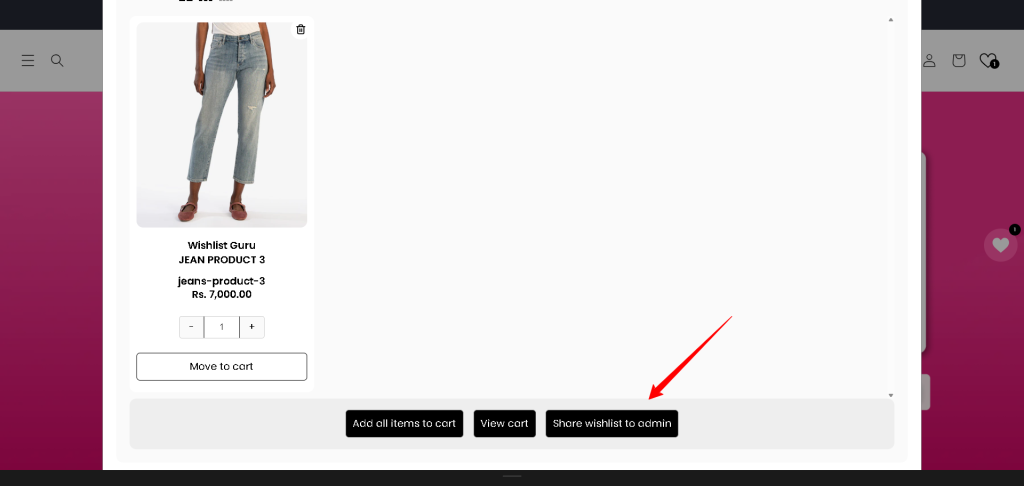
Share wishlist to admin button will show on the wishlist modal or page:
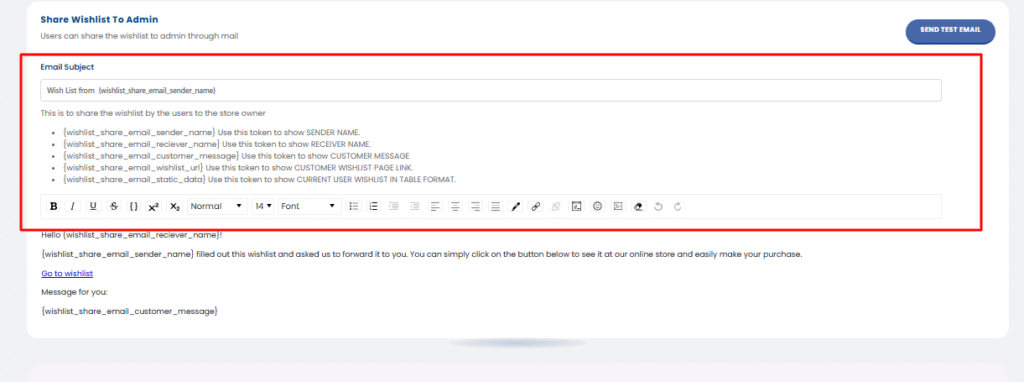
After that, you can edit the admin email template : #
These settings allow the customers to send their wishlists to the admin of the app/Wishlist app. From this, the admin will be able to access their customers’ wishlists.
Available Email Tokens: #
Use the following tokens to customise the admin email template: This is to share the wishlist by the users to the store owner
- {wishlist_share_email_sender_name} Use this token to show SENDER NAME.
- {wishlist_share_email_reciever_name} Use this token to show RECEIVER NAME.
- {wishlist_share_email_customer_message} Use this token to show CUSTOMER MESSAGE
- {wishlist_share_email_wishlist_url} Use this token to show CUSTOMER WISHLIST PAGE LINK.
- {wishlist_share_email_static_data} Use this token to show CURRENT USER WISHLIST IN TABLE FORMAT.
The admin can separately customise the admin email from the following section, and after all the relevant changes, they can send a test email as mentioned below in the screenshot :
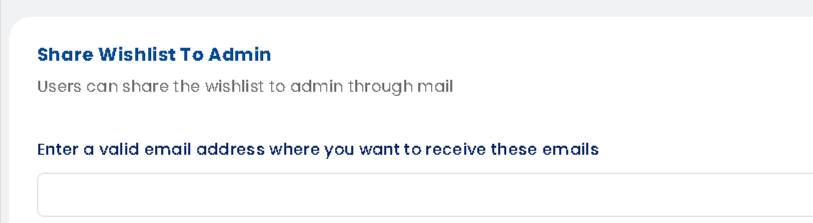
Update the recipient’s email: #
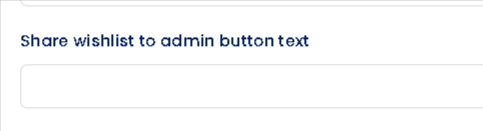
How to change Share wishlist to admin button text: #
- Go to General settings
- Find Language Settings/Multiple Language Support
- Click on Edit settings
- Click Edit Translation button shown in Manage your store front languages, update the text on the language settings page
- Locate the text field in Wishlist Modal/Page/Drawer
A quick tutorial on how you can access this feature and how customers can send their Wishlist to the admin in just seconds :


